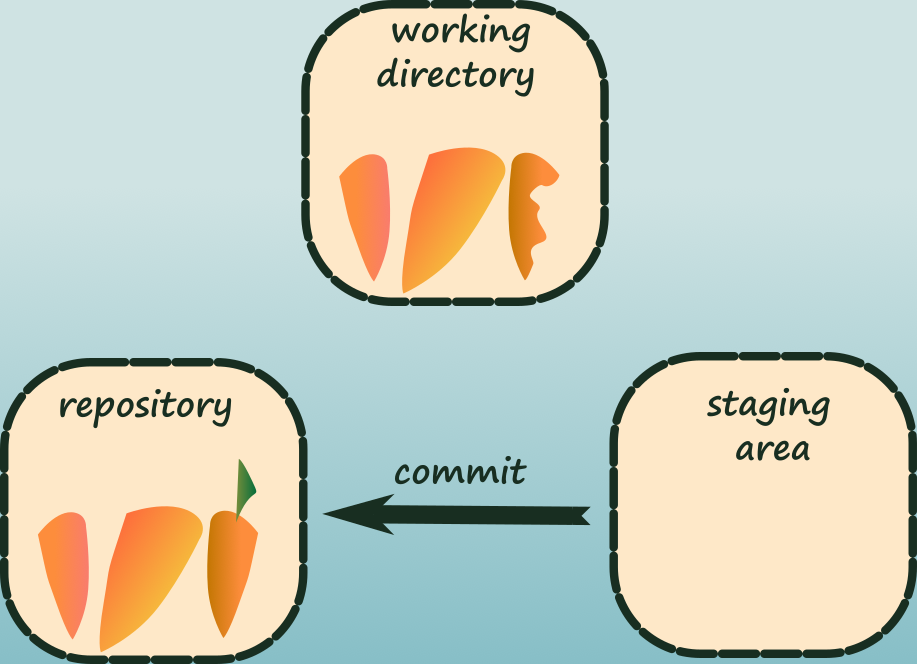
They say a picture is worth a thousand words. So I put together a few diagrams to illustrate the different file states in Git and how they relate to Git sections.
What came out are two videos:
- The first one is a short visual explanation of the states a file goes through
in Git:
- untracked until you track it,
- unmodified until you change it,
- modified once you change it,
- staged once you stage it,
- back to unmodified once you commit.
- The second one is a slightly longer visual explanation of the states a file goes through within the different Git areas: the repository, the working tree, and the staging area (once the file is tracked).
I hope you will find them useful.